User Interface
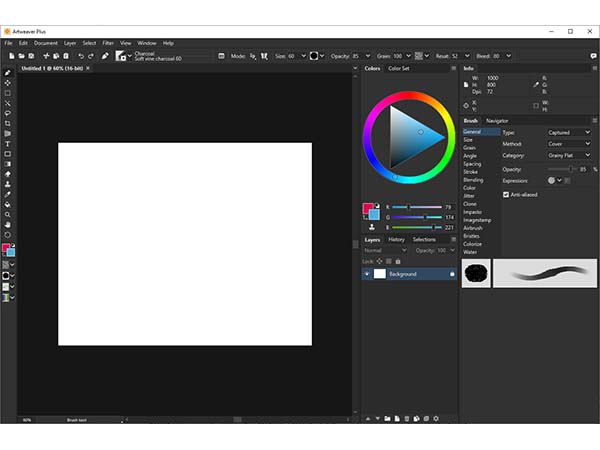
Artweaver offers a clean, intuitive user interface that is easy to understand from the first launch. At the same time, it provides extensive customization options, allowing you to adapt the workspace to your personal preferences and save multiple layouts to improve your workflow.
Highlights
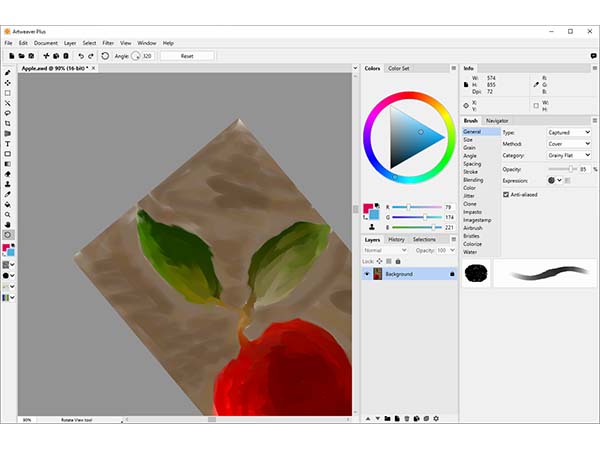
Palette Docking
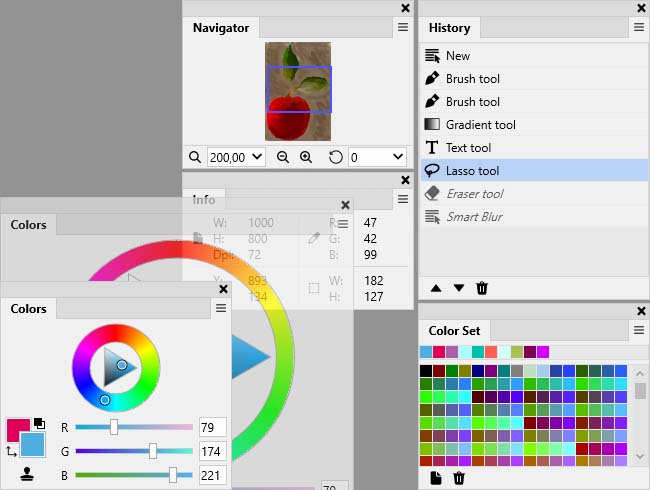
Flexible resizing, arrangement, and docking of palettes.
Custom Palettes
Plus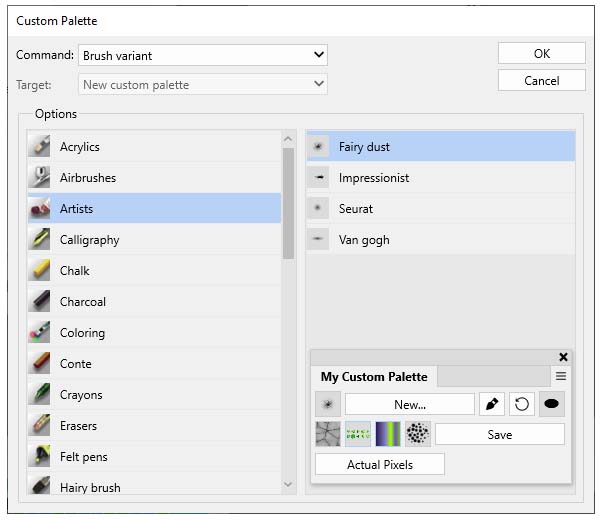
Custom palettes for quick access to frequently used tools, brushes, and presets. *
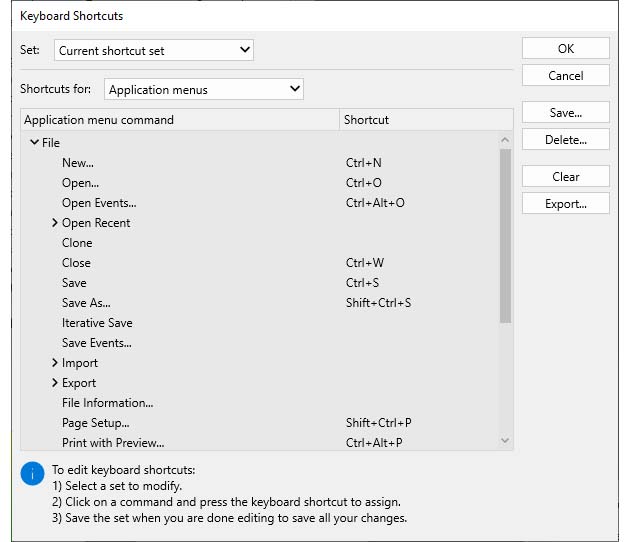
Preset Management
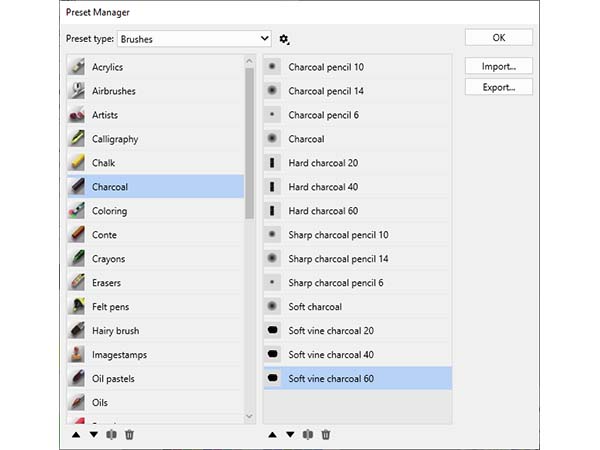
Clearly organized presets that can be freely rearranged. *
* Some features are only available in Artweaver Plus and not included in Artweaver Free.